My Workspace Setup: From Cursor Skills Down to Claude
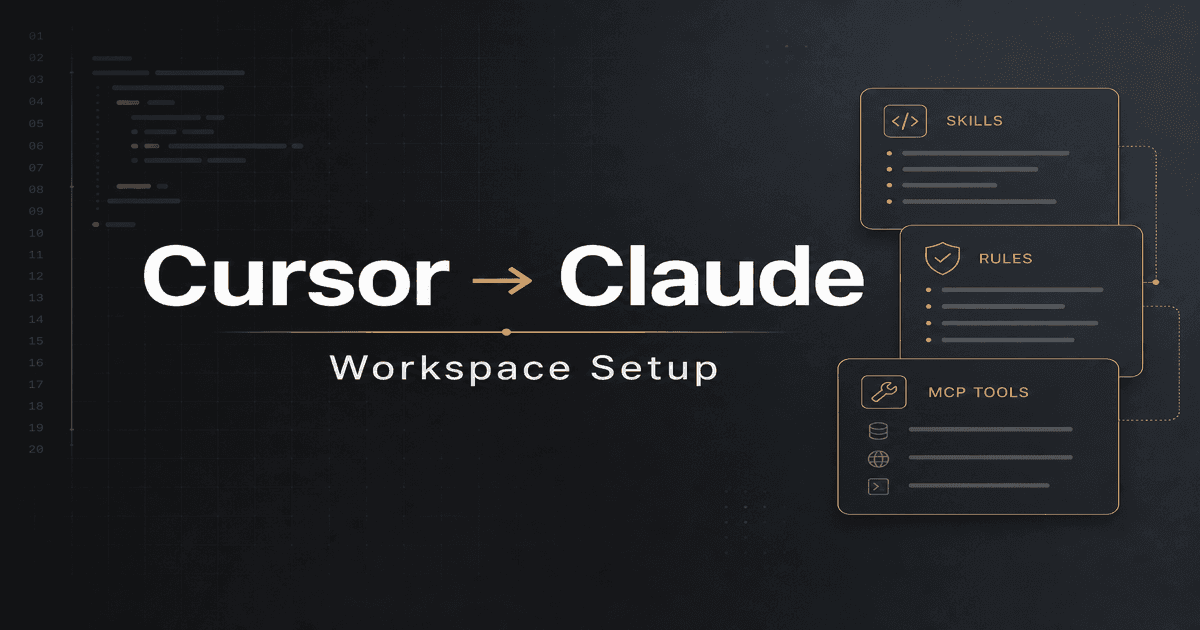
Cursor, agent skills, Local Brain MCP, and Claude share one workflow, so a new chat can reuse the last decision instead of starting blank.
The Problem I Was Solving
AI agents are fast. They're also forgetful.
I'd explain a project once in Cursor, switch repos, come back a week later, and watch the model rediscover the same architecture from scratch — or worse, invent a slightly wrong version of it. Same story when I bounced between Cursor and Claude: different clients, same blank slate.
I didn't want more prompts. I wanted a workspace — something that carried process, memory, and tools across sessions and editors.
This is the setup I'm using now.
The Stack (Top → Bottom)
Think of it as layers:
- Cursor — where I live day to day (chat, agents, edits)
- Rules — always-on behavior (especially memory-first)
- Skills — reusable playbooks the agent loads when the task matches
- MCP — tools that reach outside the editor (memory, docs, design, telephony)
- Claude — same skill files, same habits, different client when I need it
The point isn't "use every AI product." The point is one mental model that travels with me.
Layer 1: Cursor as the Control Plane
Cursor is still the main cockpit: Composer/agents for multi-file work, inline edits for small changes, terminal for the messy bits.
What changed is I stopped treating each chat as disposable. Before the agent digs through the repo, it has standing orders:
- Check Local Brain first (short query, or blank for recent history)
- Only then crawl files
- Prefer the smallest useful memory result set so context stays cheap
That alone cut a lot of "let me explore the whole codebase" cold starts.
Layer 2: Rules That Don't Negotiate
I keep a couple of always-on Cursor rules for Local Brain:
- Fetch before crawl — memory first, files second
- How to save/search memories — tags as lists, no giant blobs, RAG when it helps, keyword search when I need an exact string
Rules are for invariants. Skills are for workflows. Mixing those two is how setups get noisy.
Layer 3: Skills — The Real Upgrade
Skills are markdown playbooks with clear "use when" descriptions. The agent reads them when the task matches instead of improvising a process every time.
Cursor-native skills
These live in my Cursor skills folder and cover editor/agent ops:
- Creating rules, skills, hooks, and subagents
- PR babysitting / splitting work into PRs
- Canvas for data-heavy answers
- Settings / CLI config helpers
- Review helpers (including security-focused passes)
They're the "how do I operate Cursor itself" toolkit.
Shared engineering skills (Cursor + Claude)
This is the big pack — the same skill set under both ~/.cursor/skills and ~/.claude/skills so either client can run the same playbook.
It's organized like a development lifecycle, not a random prompt dump:
| Phase | Skills I reach for |
|---|---|
| Clarify | interview-me, idea-refine, grilling / grill-with-docs, socratic |
| Spec & plan | spec-driven-development, planning-and-task-breakdown, domain-modeling |
| Build | incremental-implementation, frontend-ui-engineering, api-and-interface-design, source-driven-development |
| Verify | test-driven-development, browser-testing-with-devtools, doubt-driven-development |
| Harden | code-review-and-quality, security-and-hardening, performance-optimization, code-simplification |
| Ship | git-workflow-and-versioning, ci-cd-and-automation, documentation-and-adrs, shipping-and-launch |
| Meta | using-agent-skills, context-engineering, find-skills, graphify |
The meta-skill (using-agent-skills) is underrated. It tells the agent which skill to load based on the phase of work. Without that, you just have a pile of markdown.
I also keep a few cross-cutting ones in ~/.agents/skills — things like frontend-design (anti-slop UI), socratic, and find-skills when I need to discover something new.
Layer 4: MCP — Hands Outside the Editor
Skills tell the agent how to work. MCP gives it tools.
My current set (high level — not a secrets dump):
- Local Brain MCP — personal memory DB with optional embeddings / RAG. This is the "don't be a goldfish" layer. I built it because I wanted project knowledge to survive chat resets.
- Docs / product MCPs — MkDocs for team docs, Notion when notes live there
- Design — Figma / Stitch when UI work needs a source of truth
- Platform MCPs — things like Telnyx, Vapi, Heroku depending on the job
The pattern that works: memory → skill → MCP tool → code. Not "open twenty tools and hope."
Layer 5: Claude in the Same Universe
Claude isn't a separate religion in this setup. It's another client that can load the same engineering skills.
When I'm in Claude Code, I still want:
- The same lifecycle skills (spec → plan → implement → review → ship)
- The same skepticism habits (
doubt-driven-developmentwhen stakes are high) - The same memory story when Local Brain is available
Cursor stays primary for repo-heavy days. Claude is great when I want a long reasoning pass, a grilling session, or to run the same skill outside Cursor. Shared skills mean I don't rewrite my process for each app.
What a Real Session Looks Like
Example: "extend a form and open a PR."
- Agent hits Local Brain → recalls prior work on that form
- Loads
planning-and-task-breakdown(orincremental-implementationif the path is clear) - Uses repo tools + any relevant MCP (docs, design) only after memory narrows the search
- Implements in small slices
- Runs
code-review-and-quality/ security skill before I merge - Follows
git-workflow-and-versioningfor commits / PR shape
I'm not typing that checklist every time. The skill descriptions do the routing.
What Actually Improved
- Less re-explaining. Project quirks, including side projects like Meet Me Halfway, show up from memory instead of from my patience.
- More consistent PRs. Same branching / review habits whether Cursor or Claude authored the diff.
- Faster phase switching. "Grill this idea" and "implement this ticket" are different skills on purpose.
- Fewer vibes-based refactors.
doubt-driven-developmentand source-driven habits catch confident nonsense early.
What I'd Tell Past Me
- Start with memory + one meta-skill. Don't install forty skills on day one.
- Rules for invariants, skills for workflows. If it's always true, it's a rule. If it's situational, it's a skill.
- Share the skill folder across clients. Duplicating process between Cursor and Claude is how setups drift.
- Keep MCP thin. Every server is another failure mode and another temptation to over-tool.
- Write skills like runbooks. Clear trigger ("use when…"), clear steps, no novel-length prose.
Final Thoughts
The hype cycle sells "autonomous agents." What I actually wanted was a reliable teammate with a filing cabinet.
Cursor runs the day-to-day. Skills encode how I like engineering to go. Local Brain keeps context alive. Claude plugs into the same playbooks when I need another seat at the table.
It's not magic. It's just infrastructure for attention — mine and the model's.
If your agent keeps rediscovering your own codebase, start there: memory first, then one skill that routes the rest.